Your services
What you offer, how long it takes and what it costs.
ZUNO APPOINTMENTS · BUILT AROUND YOUR TIMEZUNO APPOINTMENTS
Your services online. Bookings, staff and business answers together.Your services, staff and bookings. Together.
Book online. Pay online.* · Use your own devices.

 Zuno Appointments · Service teamSample data · Staff view
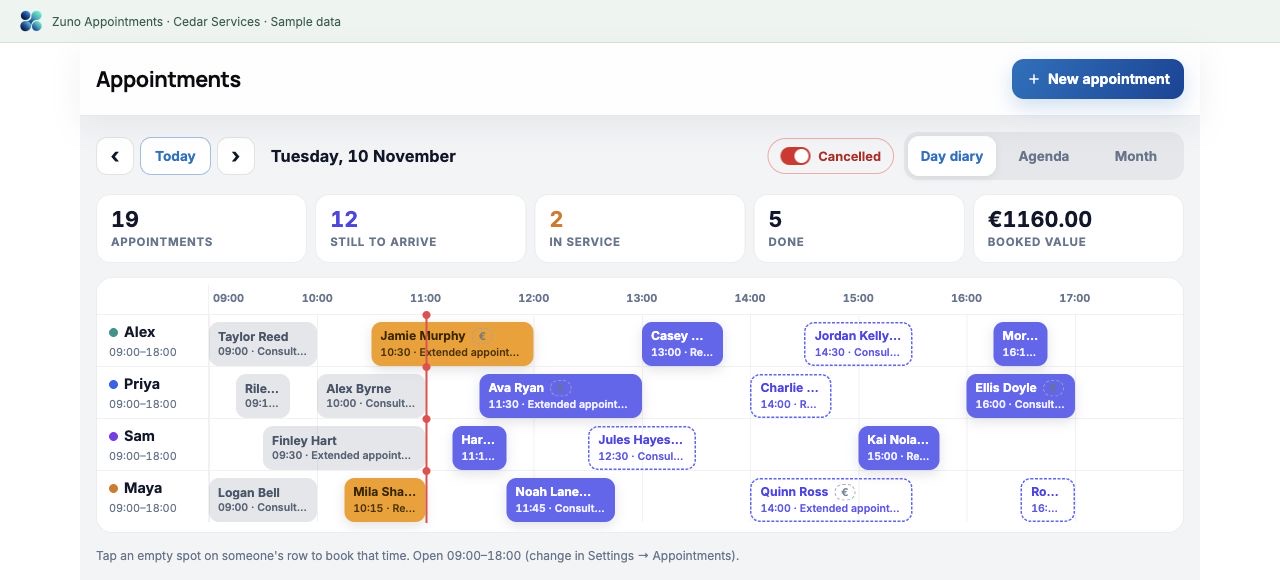
What you offer, how long it takes and what it costs.
Working days, start and finish times, and who does what.
Talk to your data and explore the answers.
Service campaigns and customer emails, inside Zuno.
YOUR SERVICE-BOOKING PAGE
Your own booking page. Clients choose a service, a time and pay online.*
Show what you offer, what it costs and how long it takes.
Offer the right person at the right time.
Fill the gaps without booking clashes.
Take a deposit or the full price, where enabled.
* Online booking and payments require an eligible plan, setup and activation. Payments use your connected Stripe account; provider fees apply. Available where Stripe supports your country; each business uses its own Stripe account.
Zuno · Online service bookingSample page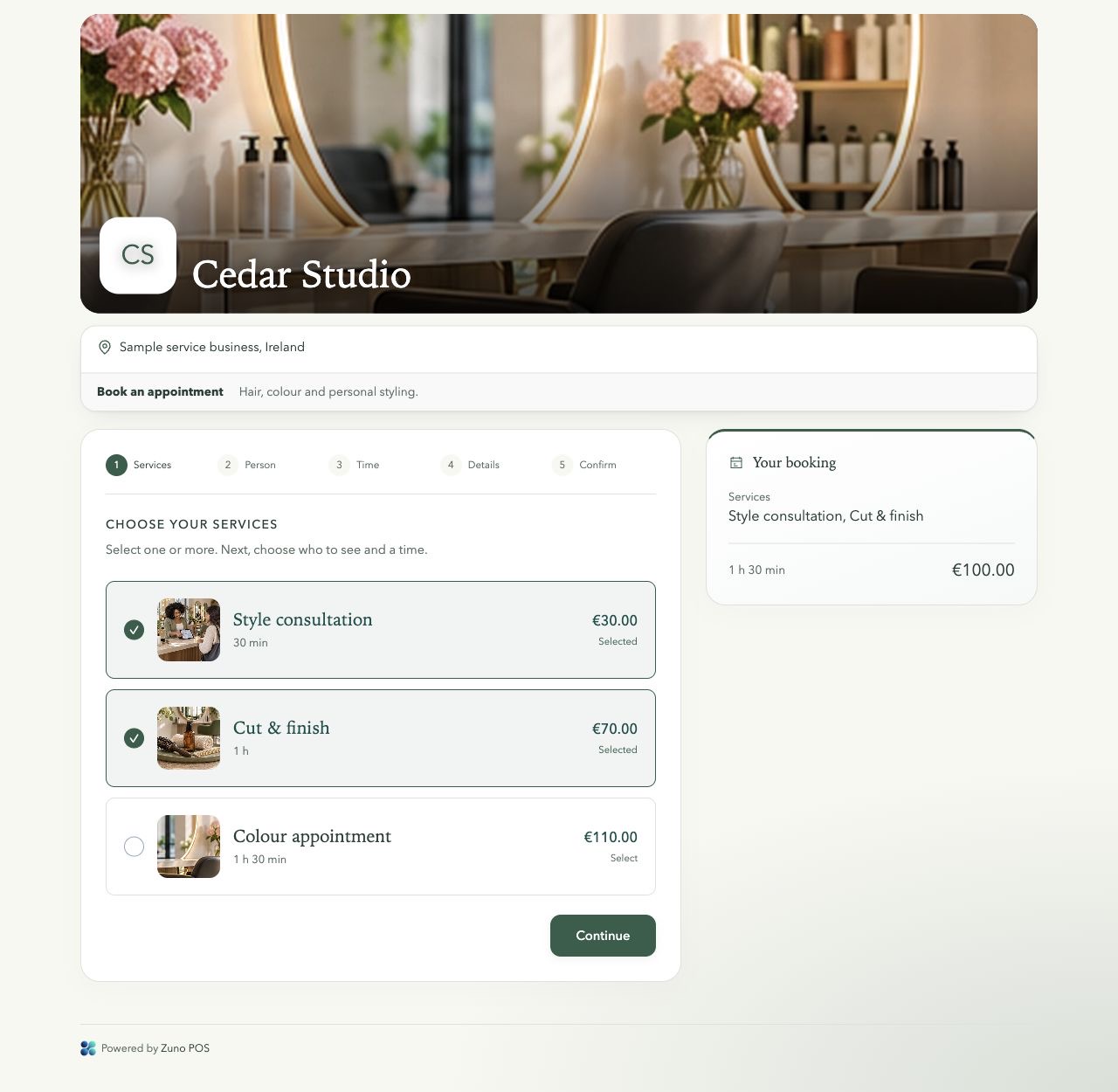
ZUNO ANALYTICS
Ask what sold, which services earned the most or where your money went. Get clear answers and graphs from your recorded figures.
“Which services earned the most this month?”
Analytics is included on all Appointments plans.*
* Data chat needs an enabled plan allowance and uses limited tokens. Availability and token limits follow your plan settings.
Explore the larger demo ↗Zuno AnalyticsSample dataZUNO AI DESIGNER
Know their past visits. Make your next message relevant.
Create pictures and campaigns for the services you want to sell.
Turn your next idea into an email or social post.
Cedar Services · Client recordSample data · Staff view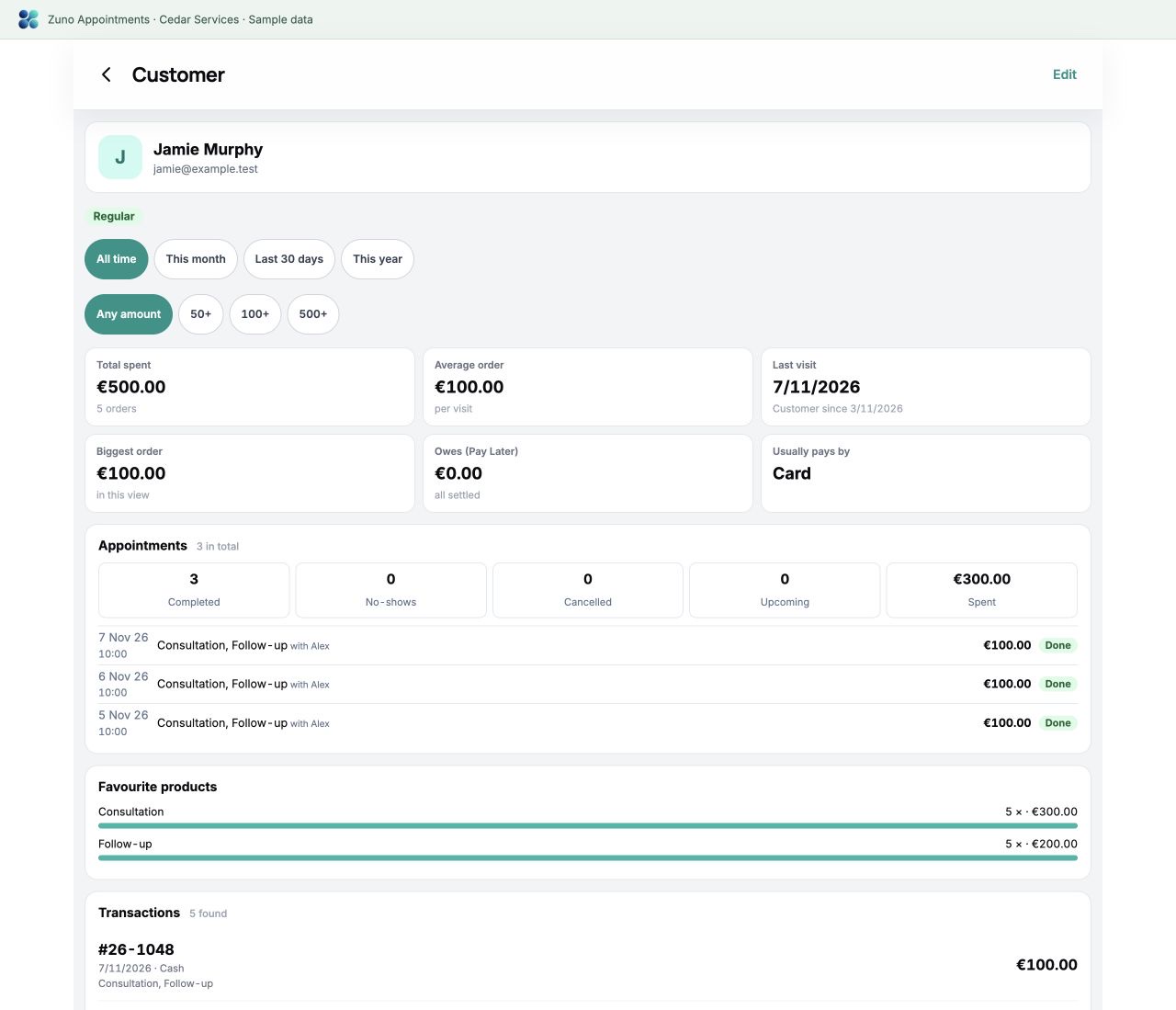
Marketing emails go to opted-in clients. Designer access, tokens and email limits depend on your plan.
Customer email · Beauty business exampleSample data · Staff view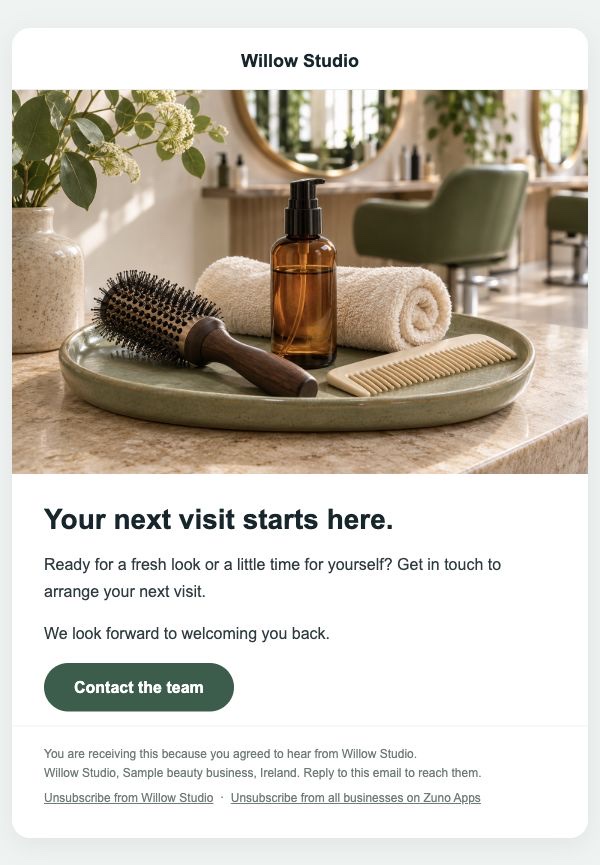
ADD WHAT YOUR BUSINESS NEEDS
Add the tools that save your team time.
Let clients choose from your services and free times.
Help clients remember their visit, when enabled.
Manage changes and help fill cancelled spaces, when enabled.
Online tools require an available plan, setup and activation.
Bring your appointment services into Zuno checkout. Save the bill or finish it when the work is done.
Checkout and account options depend on your plan. Counter card payments use your own machine.
Optional · Zuno checkoutSample data · Staff view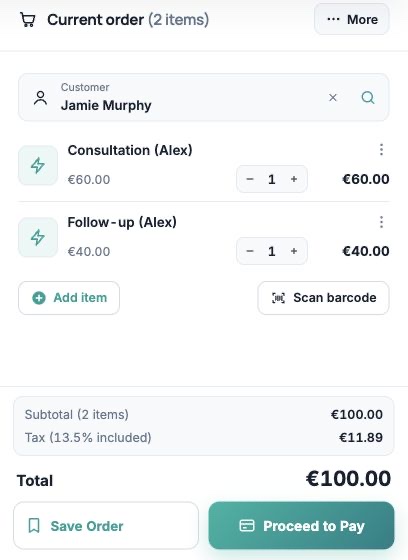
MORE THAN ONE KIND OF BUSINESS
One booking app. Set up for the work you do.
Cuts, colour and beard services. Match each service to the right person.
Nails, brows and treatments. Set prices, lengths and staff working times.
Services, diagnostics and repairs. Keep the registration, make and model with the booking.
Washes, valets and detailing. Allow time for each job and keep customer visit history.
Consultations and follow-ups. Keep appointment history, visit status and payments together.
Create your own services, prices and lengths. Assign staff and offer available times.
THE REST OF THE DAY, COVERED
Product balances, movement history and available reports.
Record supplies, rent and other business costs.
Review sales, payment totals, tax and cash.
Staff access, optional rota tools and in-app help.
FIND THE RIGHT SETUP
Choose what fits your business. Check availability and included tools.
A little clarity
Use any phone, tablet or computer. Bring your own receipt printer and card machine. Zuno does not sell hardware; counter card payments are taken on your own machine and recorded in the app.
Use Log in at the top or bottom of any page. It opens the Zuno app, where you can sign in or create an account.
Online payments
Zuno works with Stripe. Each business connects its own Stripe account, customers pay by card, and the money goes straight to the business in its own currency.
 Ireland
 United Kingdom
 Austria
 Belgium
 Bulgaria
 Croatia
 Cyprus
 Czechia
 Denmark
 Estonia
 Finland
 France
 Germany
 Gibraltar
 Greece
 Hungary
 Italy
 Latvia
 Liechtenstein
 Lithuania
 Luxembourg
 Malta
 Netherlands
 Norway
 Poland
 Portugal
 Romania
 Slovakia
 Slovenia
 Spain
 Sweden
 Switzerland
 United States
 Canada
 Mexico
 Australia
 New Zealand
 Hong Kong
 Japan
 Singapore
 Thailand
 United Arab Emirates
Stripe decides for each business whether it can open an account, and its own fees apply. Not on the list? Online ordering and booking still work: customers pay on collection or at the venue, and the till takes cash and card anywhere.