An easier booking.
Give guests a link to find a date, time and party size that suits.
ZUNO TABLE · MAKE ROOM FOR A WARMER WELCOMEZUNO TABLE
Online reservations. A clear diary. More time to welcome your guests.Online bookings. A clear plan for your room.
Use your own devices · Check plan availability
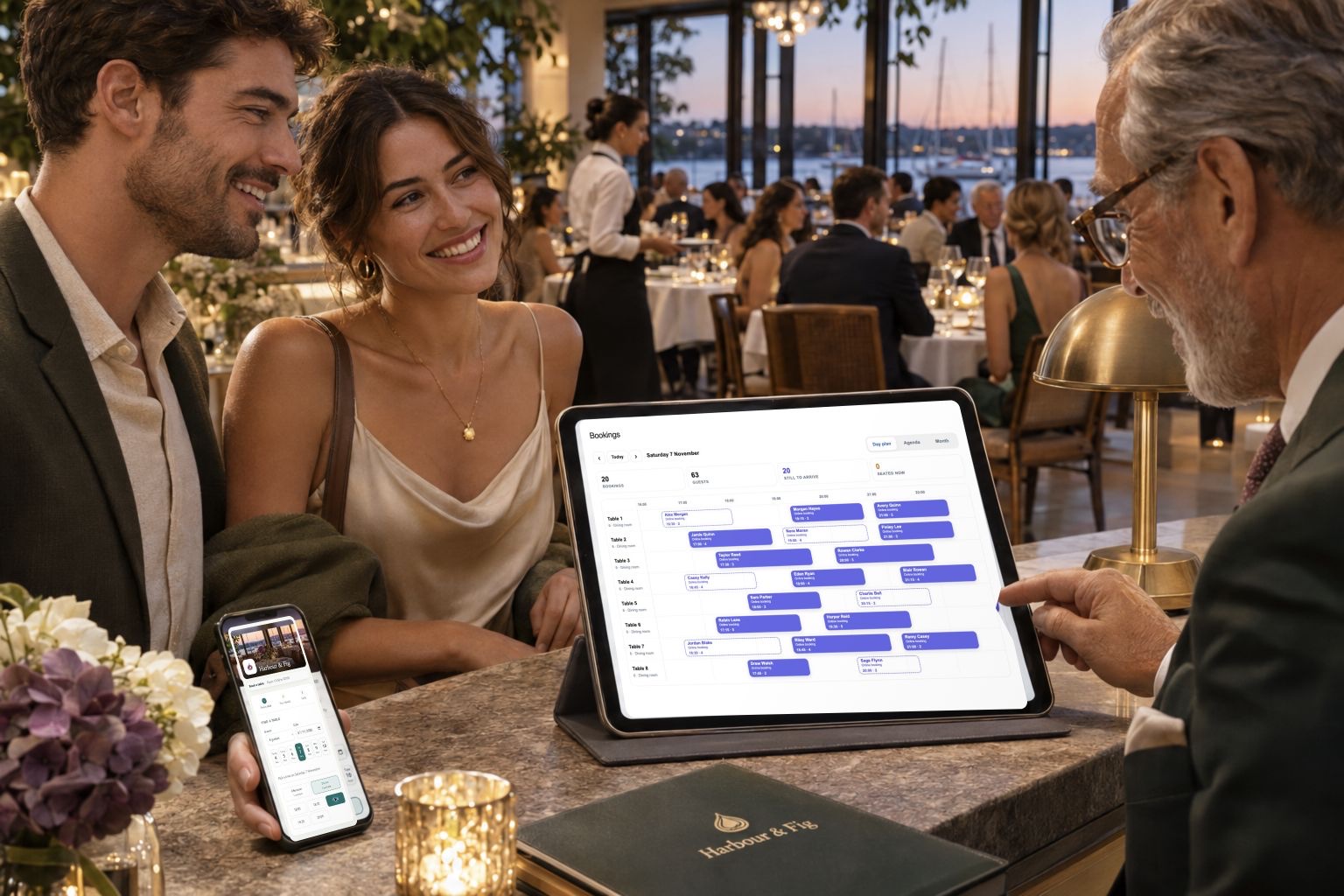
Use Zuno your wayOpen in your browser. Mobile downloads will appear here when released.
Give guests a link to find a date, time and party size that suits.
Choose the tables offered online and keep space for walk-ins.
Keep upcoming visits and the room in view for the people greeting guests.
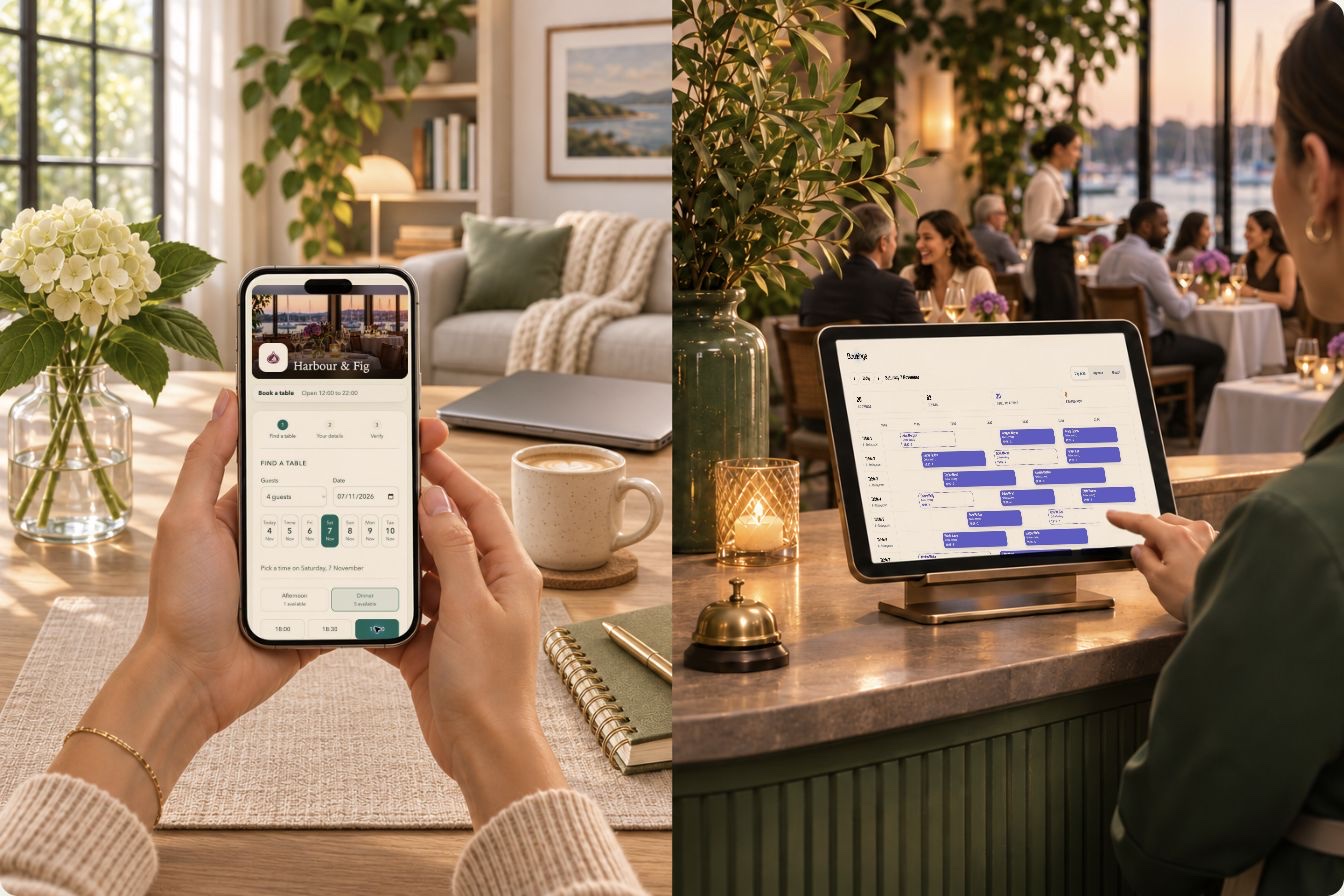
FROM THEIR PHONE TO YOUR FRONT DOOR
Guests choose a date, time and party size on your booking page. Your host sees their reservation in Zuno’s diary.
YOUR ROOM, YOUR WAY
See your tables and booking details together. Prepare for arrivals and keep space for the guests who walk in.
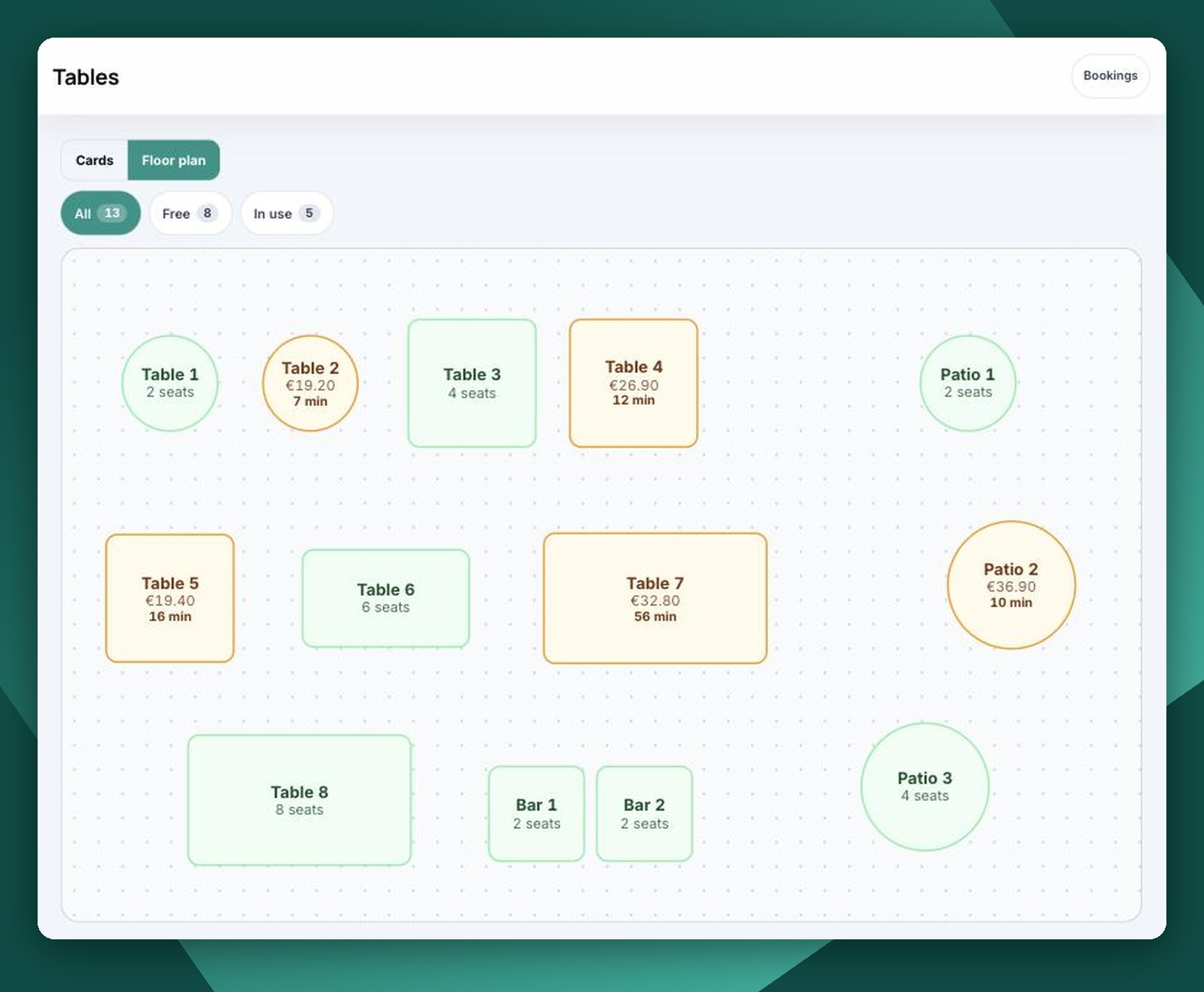
YOUR ROOM. YOUR RULES.
Share your own link or QR code. Add a booking button to your website.
Offer selected tables online. Keep others for walk-ins and phone bookings.
Set opening times, sitting time, party limits and advance notice.
Confirm automatically or review each reservation yourself.
Guests receive booking messages and a cancellation link, where enabled.
Keep interested guests together when the room is full, where enabled.
Online booking, messages and waiting lists depend on your plan, setup and activation.
WHERE ZUNO TABLE FITS
Reservations, table sizes and a clear plan for the host.
Manage booked sittings while keeping room for walk-ins.
Offer your dining tables online and keep other spaces offline.
ROOM TO GROW
Start with Table if bookings are what you need. Explore Restaurant for POS, kitchen orders and the wider service workflow. Discover Restaurant
Plans
Manage table bookings on their own. Need orders, checkout and kitchen screens? Explore Zuno Restaurant.
Loading plans…
A little clarity
Use a phone, tablet or computer with a web browser. You do not need a till, receipt printer or card machine to use this solution.
Check the current plans for availability, included tools and trial offers. Additional businesses and add-ons have their own plan requirements.
Use Log in at the top or bottom of any page. It opens the Zuno app, where you can sign in or create an account.
MAKE IT YOUR OWN
Explore the tools with your own business in mind.
Online payments
Zuno works with Stripe. Each business connects its own Stripe account, customers pay by card, and the money goes straight to the business in its own currency.
 Ireland
 United Kingdom
 Austria
 Belgium
 Bulgaria
 Croatia
 Cyprus
 Czechia
 Denmark
 Estonia
 Finland
 France
 Germany
 Gibraltar
 Greece
 Hungary
 Italy
 Latvia
 Liechtenstein
 Lithuania
 Luxembourg
 Malta
 Netherlands
 Norway
 Poland
 Portugal
 Romania
 Slovakia
 Slovenia
 Spain
 Sweden
 Switzerland
 United States
 Canada
 Mexico
 Australia
 New Zealand
 Hong Kong
 Japan
 Singapore
 Thailand
 United Arab Emirates
Stripe decides for each business whether it can open an account, and its own fees apply. Not on the list? Online ordering and booking still work: customers pay on collection or at the venue, and the till takes cash and card anywhere.